I have a stable income from my work, but like many people, I sometimes look for ways to earn a bit more on the side. Most of my attempts go nowhere, but I still try. Posting photos on stock websites is my new attempt to do that.

View of my Adobe Stock profile
Why I Decided to Try Stock Photography
Even though I suspect it’s probably doomed to fail from the start, I decided to give it a try. I bought a camera for my safari trip and took some really nice photos. After deleting the bad ones, I narrowed 15,000 pictures down to around 3,000 good ones.
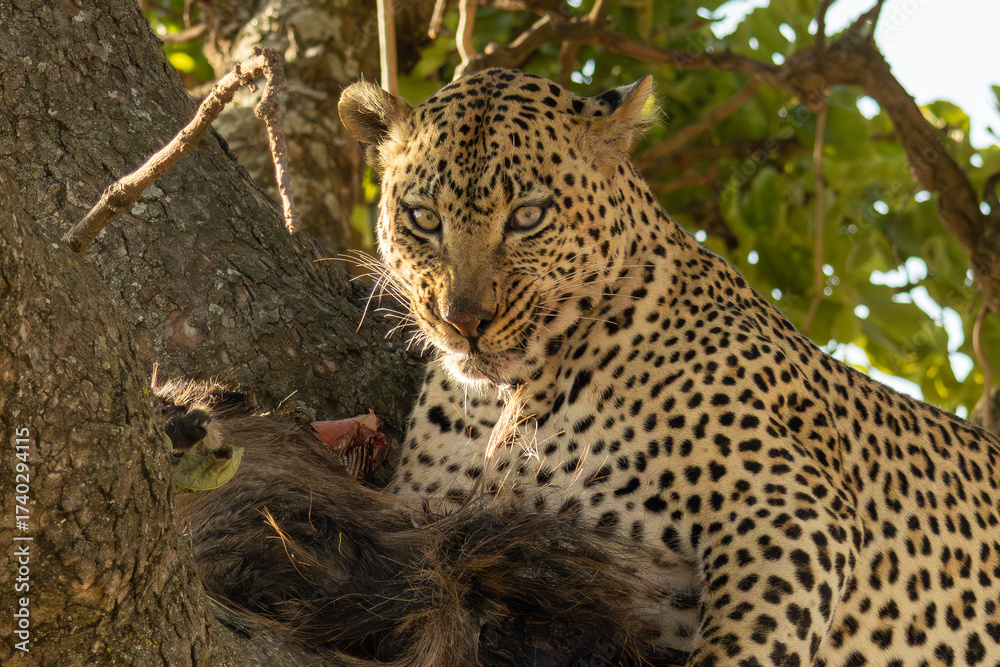
One of my favorite photos from the safari, available in Adobe Stock
I thought, why not post them on stock websites and see if they make some money? After all, the photos were already taken, so it wouldn’t be much extra work. I really believed it could be an easy way to earn a bit more.
Still, I know the odds aren’t great. AI models can already generate very realistic images, and I think that will reduce the demand for stock photos in the coming years. Instead of searching for the perfect picture, people will probably just generate what they need. But I’m giving it a try anyway, and in this post, I want to share how I’m approaching it.
Researching the Best Stock Websites
Most of the photos I planned to upload were from my safari trip, focused on wildlife, nature, and landscapes. I wanted to see if these kinds of authentic, outdoor images could perform well on stock sites.
My travels and adventures are usually centered around nature, which is something I really enjoy. As I continue traveling, I plan to collect more photos along the way.
When I first thought about the idea, I knew nothing about stock photography. I had owned a camera before but had never posted anything. So, like most people today, I used ChatGPT to research the best stock photo websites. It suggested three main ones: Adobe Stock, Shutterstock, and Alamy. Adobe Stock stood out because it offers one of the best commission rates, around 33%. Later, I also added iStock to the list.
Here are links to my profiles so you can see the photos:
After deciding where to post, the next step was preparing the photos.
Editing and Preparing Photos
The first step is to select the good ones. I mentioned that from the safari trip I had more than 3,000 decent photos, but not all of them were unique. Some were just slight variations taken in burst mode.
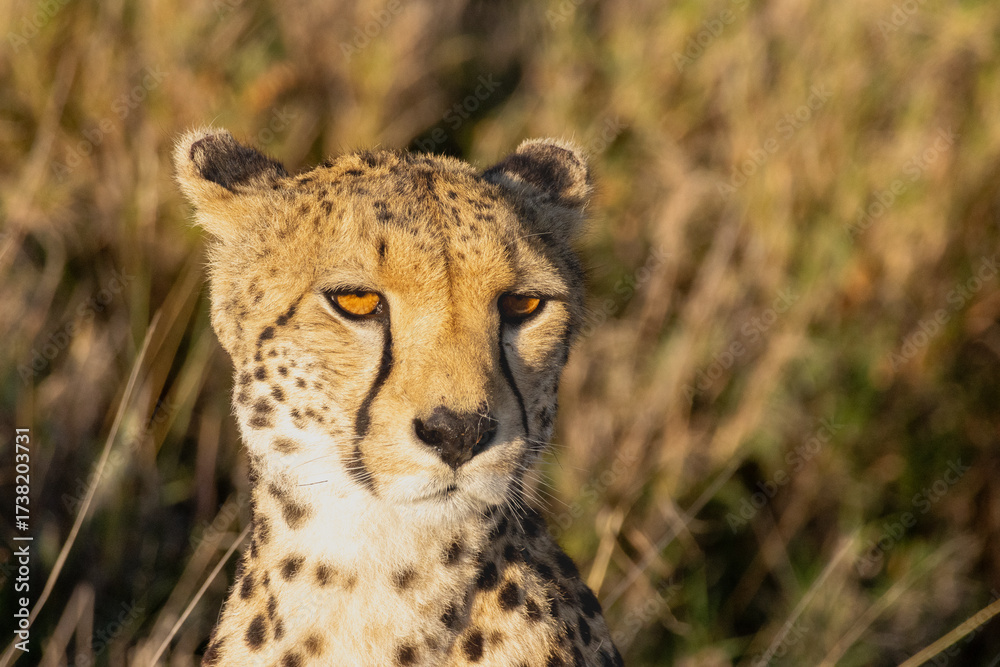
Another favorite Adobe Stock
I start by selecting the best shots that catch my eye and group them in batches of 30 to 40 photos, which makes the process easier.
For editing the photos, I use Adobe Lightroom Classic. I’m not a professional editor, so I keep the adjustments simple: slightly increasing contrast, enhancing colors to make sunsets stand out, or cropping to improve composition. Just enough to make the photos look better without overdoing it.
Some photos take longer to edit than others, but overall, I spend about one to two minutes per photo.
Using AI to Help with Metadata
Next, I need to add titles, descriptions, and tags. Most stock sites allow up to 150 characters for the title or description and up to 50 tags. The best way to handle this is to add them directly in Lightroom, since the websites automatically read that metadata when uploading. This saves a lot of time. I only need to adjust a few specifics for each platform.
To generate titles and descriptions, I use AI. I created a Gemini Gem where I upload the photo and provide a short note like “taken during a safari in [park name].” The Gem analyzes the image and suggests a title, description, and tags. Around 90% of the time, the output is good enough. If it’s not, I tweak the input or make small edits. This makes the process much faster.
I usually use the same text for both title and description, as different platforms read one or the other. On average, it takes me about a minute per photo to generate the titles and tags.
Uploading to Different Platforms
Once the metadata is ready, I export the photo and start uploading. Each platform has its own quirks.
Adobe Stock
Adobe Stock is the easiest to use. It reads everything automatically, and since my photos are mostly of animals and landscapes, I don’t need to worry about model or property releases. It even categorizes the images automatically.
The downside is that Adobe Stock limits how many photos I can upload per day, so I usually submit around 10 to 20 daily. The review process takes one to three business days, and once approved, the photos go live for sale.
They accept most of my photos but tend to be the pickiest, as it’s the website where I have the highest rejection rate. The most common rejection reasons are “Similar content in our collection” and “Quality issues.”
You can check my profile and see the photos I’ve uploaded so far here
Shutterstock
Shutterstock works similarly to Adobe Stock. It reads the description and metadata but requires manual category selection. Once the category is chosen, I can submit the photo.
After submitting, the review process takes one to three business days. Almost all the photos are accepted, and the rejection rate is very low.
You can check my profile and see the photos I’ve uploaded so far here.
Alamy
Alamy is a bit different. After uploading, the images go through quality control first. Once approved, I can adjust titles, tags, and add missing details like the photo’s location and the number of people (in my case, always zero). Categories must be selected manually, but the interface is straightforward.
So far, all my photos have passed quality control.
They also have the concept of “supertags,” where you can highlight the 10 most important tags. I used to fill these out for every photo, but it took extra time, so lately I’ve been focusing more on location, categories, and SEO-friendly tags.
You can check my profile and see the photos I’ve uploaded so far here.
iStock (Getty Images)
iStock is my most recent addition as I wanted to try another site to see if I could increase my reach.
On iStock, you create batches and add photos to them. It reads most metadata from the files, but you still need to add details like country and number of people in the photo.
The annoying part is that iStock uses predefined tags and doesn’t accept custom ones. You can still add your own, but they might not be effective. This makes tagging take a bit longer.
After submitting, photos go through review like on the other platforms, and once approved, they become available on the website. The approval rate has been good, with very few rejections.
You can check my profile and see the photos I’ve uploaded so far here.
Looking Ahead
So far, I’ve uploaded more than 600 photos, with different acceptance rates across the platforms. It’s been less than two months since I started, so I don’t have much insight into performance yet.
A year from now, I should have more information to share about how the photos perform and whether this was worth the effort. For now, it’s been an interesting experiment. I’m not sure if it will turn out to be profitable, but it’s been fun and educational nonetheless.